Lost footage hurts more than anything else on a trip – worse than a delayed flight or bad weather. This is the system I’ve used for years, and it has never once let me down, not on a wedding shoot, not on my own travels.
The basic rule: two copies, always
Footage only exists once until it has a second copy on a different physical drive. The card in the camera doesn’t count as a backup – it’s the original, waiting to be copied. Only once I have two copies on two different drives is the footage actually safe.
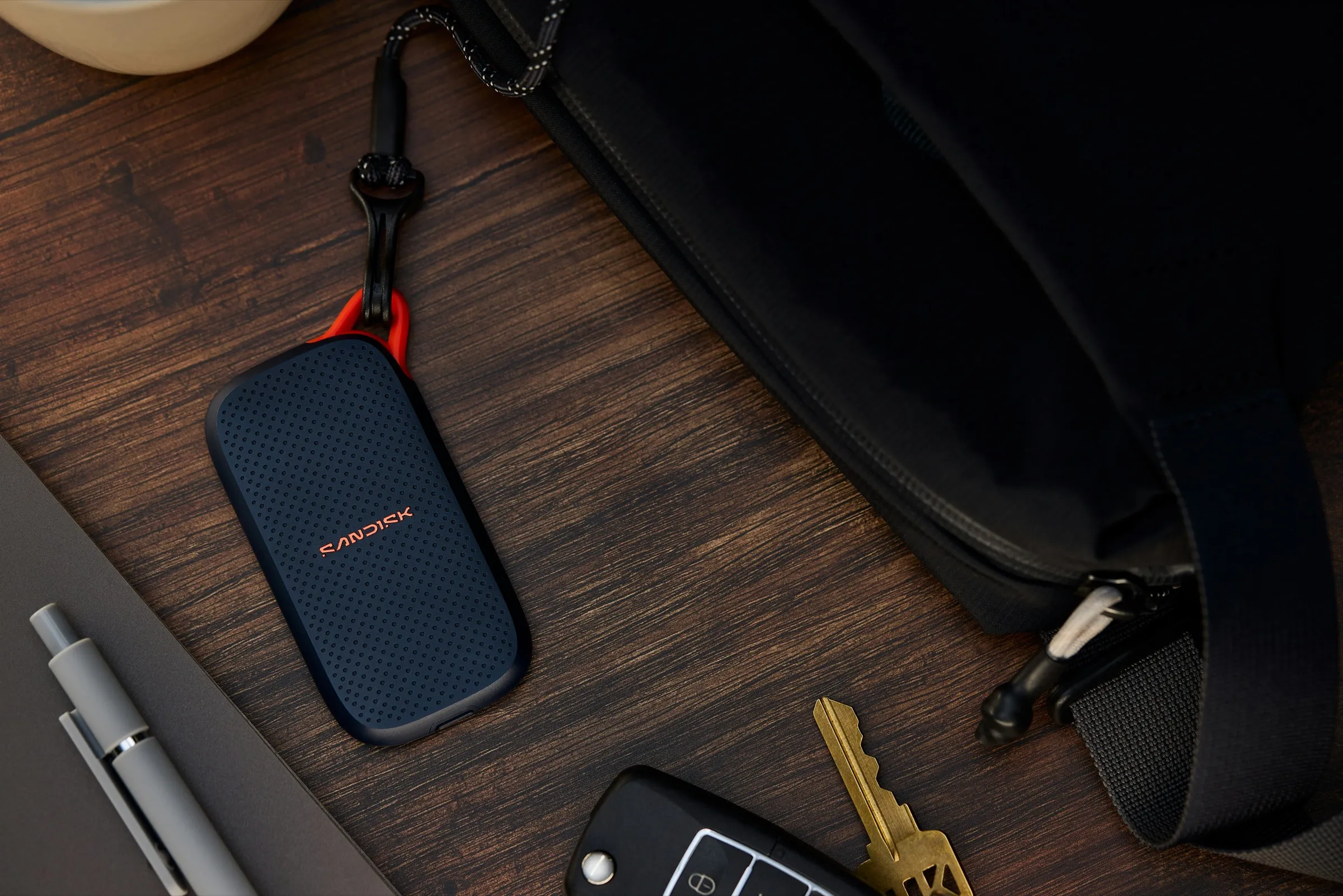
On the road it looks like this: footage from the card goes to an external SSD (I shoot on a Blackmagic Pocket 6K Full Frame, so the main recording runs straight to a Samsung Portable SSD T9, which I wrote about in the packing list article), and the second copy goes onto a MacBook Pro with an M1 chip, which is also what I edit on. The card doesn’t get wiped until I’ve verified both copies.
Why “copied” doesn’t mean “backed up”

Photo Sanjeev Nagaraj / Unsplash
A copy can fail halfway through – a bad cable, a laptop that powers off mid-transfer, a corrupted sector on the card. The file then looks fine (it has the right size in Finder), but when you play it back you find the last few minutes are corrupted or the audio is missing. That’s why, after copying, I always spot-check a few clips from each copy before wiping the card. It takes two minutes, and it’s the only thing that actually confirms a backup works.
A fast card reader saves more time than you’d expect
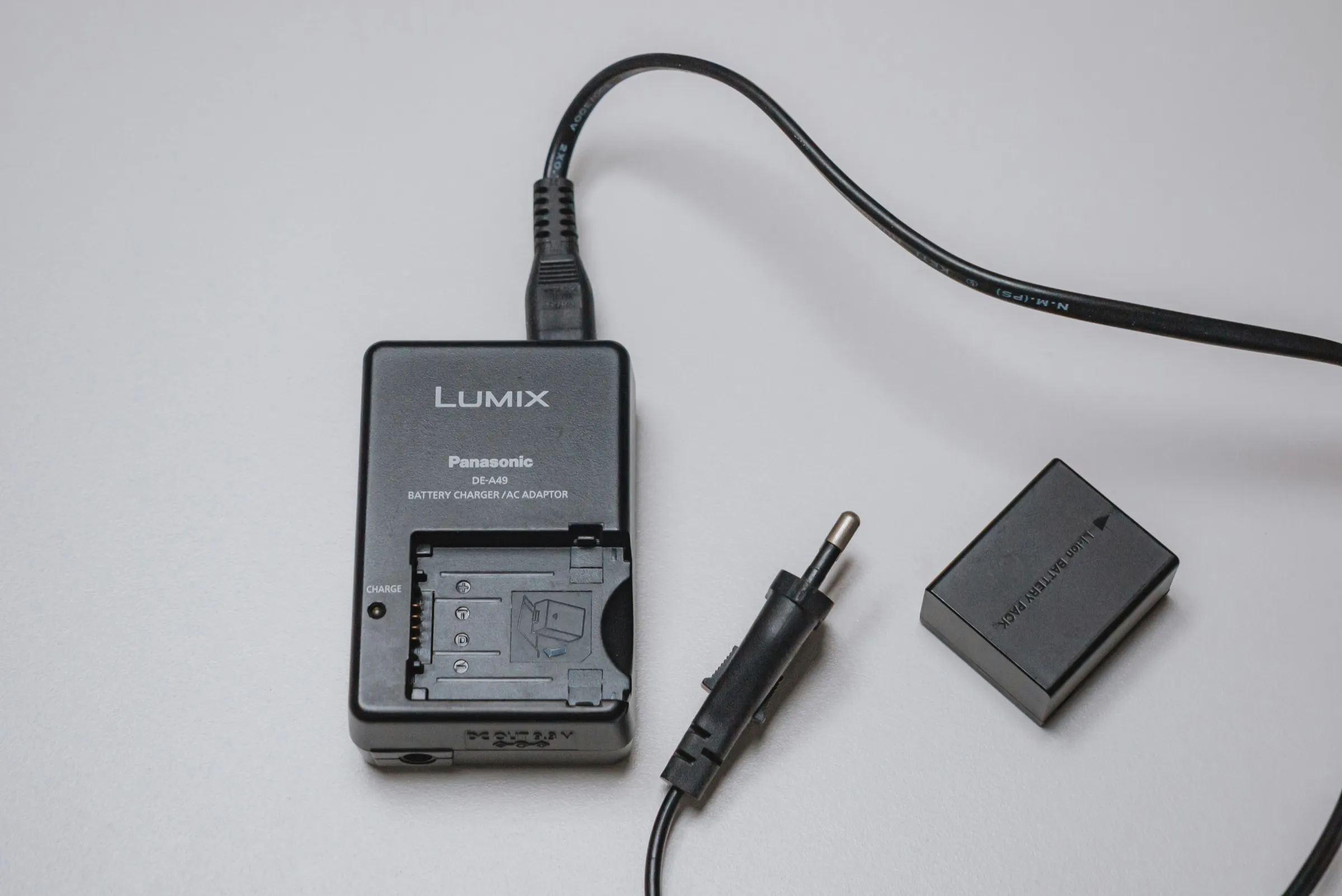
Copying directly from the camera over USB is slow and puts unnecessary strain on the camera’s battery. It’s worth having a dedicated card reader – the SanDisk Extreme PRO UHS-I/II USB-C handles the card’s full speed, so backing up an hour of footage in the evening doesn’t drag on after an already demanding day of filming.
A third layer: uploading to the cloud (optional)
If you have fast enough mobile data, you can add a third, remote copy – uploading at least the most important clips to the cloud before you go to sleep. For this I prefer a separate data-only eSIM, like Saily, so I don’t load down the one I use for everyday phone use on the road.
My evening routine on the road
- The card from the camera goes straight into a reader connected to the laptop – copy #1 onto the SSD.
- From the SSD, I back the footage up to a second, separate drive – copy #2. Never over the same cable/port at the same time, so a single failure can’t wipe out both copies at once.
- A spot-check playback of a few clips from both copies.
- Only after this step does the card go back into the camera, formatted and ready for the next day.
- I physically carry the two backups separately (one in my backpack, the other in a suitcase or with someone else in the group) – so one lost bag doesn’t mean losing both.
It sounds like a lot of steps, but in practice it’s a 15–20 minute evening routine, not an hours-long project. And it’s the one thing on a trip where it’s worth being consistent absolutely all the time, not just “when there’s time.”
This whole setup (SSD, laptop, reader) also adds up to more money than you’d expect – it’s worth having it insured; compare options through EKTA.
Gear in this post
affiliate · AlzaTransparency: this article contains affiliate links (Alza, Saily, EKTA). If you buy something through them, I get a small commission at no extra cost to you – I only recommend things I actually use or would use.
FAQ
Is one backup enough on a trip, or is that just paranoia?
One backup means you have exactly one chance for a drive failure, loss, theft, or damage – and footage can't be reshot. Two copies on two different drives/locations isn't paranoia, it's the standard every professional working with client footage uses.
Do I need to back up every day, or is it fine to do it at the end of the trip?
Every day, ideally right after filming. The longer you wait, the more footage is at risk from one lost card or stolen bag. A daily routine only takes a few minutes, while backing up a week's worth of footage at the end of a trip takes hours and is stressful.
When is it safe to wipe a card and reuse it?
Only after you've verified the footage copied completely and plays back without errors on both backups. Not after copying – after verifying. The difference matters because a copy can fail halfway through and the file can look fine until you actually try to play it.